Hole Is Mine System Requirements & Performance
Official Steam targets plus Deck-friendly tips so Depths lag is not mistaken for bad upgrades.
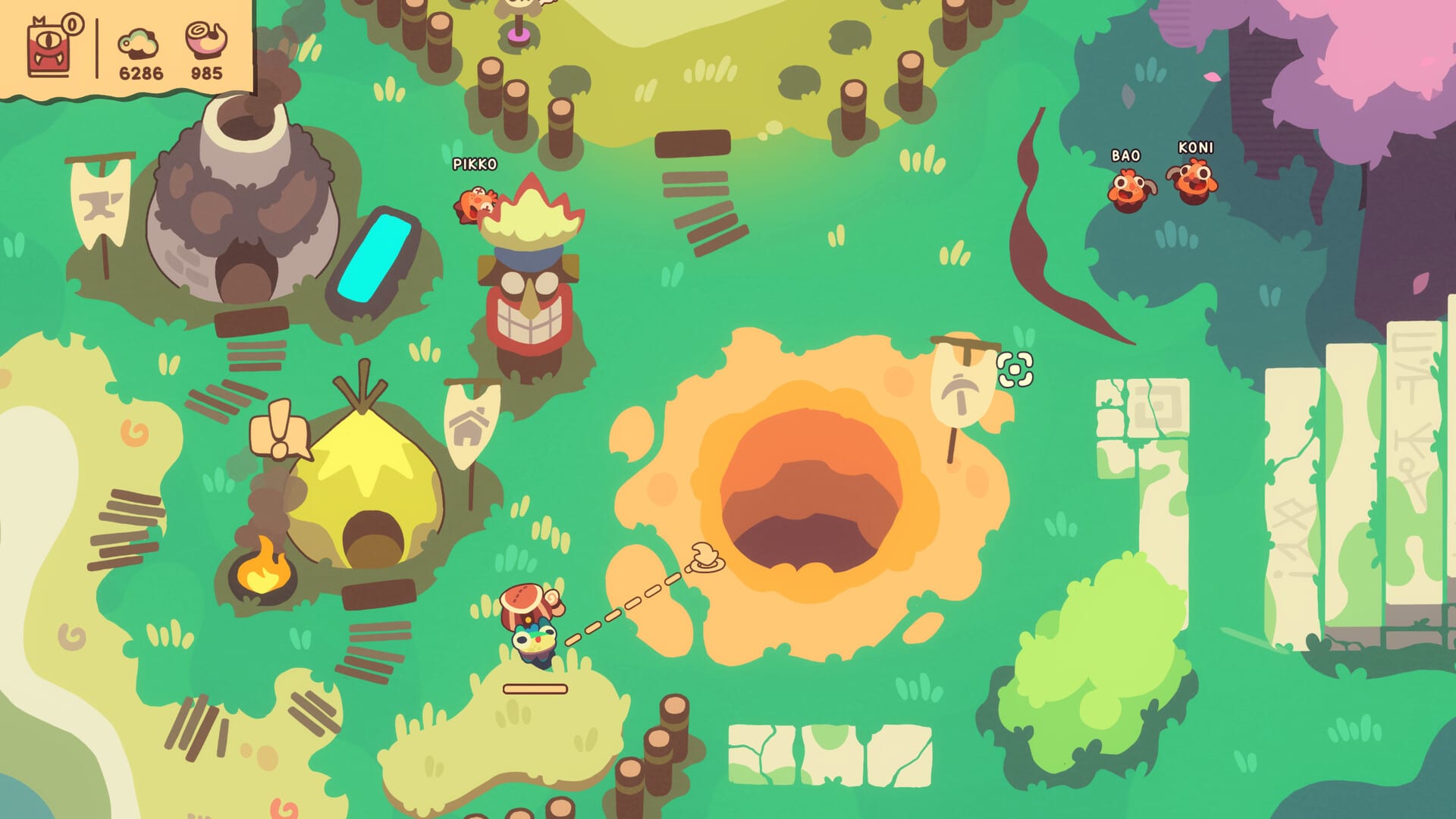
What you need to run Hole Is Mine
Hole Is Mine is a lightweight Steam Windows release (App 4508020) from Incrementalist, published with SpaceJazz, launched August 10, 2026. It targets Vulkan, asks for about 4GB RAM, and installs in roughly 1GB of storage. The title is Steam Deck Verified and includes full controller support. It is single-player only and not a Roblox experience—your hardware checklist is a normal PC/Deck checklist, not a mobile web one.
Use this page before blaming a Depths spike on “the game is broken.” Frame drops and long hitching change Incursion timing; upgrade mistakes feel similar but need different fixes. Pair performance hygiene here with strategy pages like How to Incursion and Getting Started.
Official minimum specs (Steam)
These are the store minimums players should treat as the floor:
- OS: Windows 10 Build 19043 or newer
- Processor: 2GHz
- Memory: 4GB RAM
- Graphics API: Vulkan 1.0 capable GPU/driver stack
- Storage: 1GB available space
If your machine is older than Windows 10 19043, update the OS before troubleshooting anything else. If your GPU drivers do not expose Vulkan 1.0 cleanly, update from the vendor (AMD / NVIDIA / Intel) rather than relying on generic Windows Update alone.
Official recommended specs (Steam)
- OS: Windows 11
- Processor: 3.5GHz
- Memory: 4GB RAM
- Storage: 1GB available space
Notice RAM stays at 4GB even on recommended—this is not a 16GB mandator. CPU headroom and a clean Vulkan path matter more than owning a modern AAA GPU. Players on modest laptops should still enable power plans that allow sustained clocks; incremental games can hitch when laptops thermal-throttle mid-Incursion.
Steam Deck notes
Steam Deck Verified means Valve’s badge expects the game to play well with default Deck controls and UI readability. Practical Deck habits:
- Learn glyphs in Town before diving—see Controls
- Keep the Deck cool; fan curves help more than lowering every setting blindly
- Prefer stable frame pacing over chasing unlocked high FPS in a cozy incremental
- Use a performance overlay briefly to spot GPU vs CPU bounds, then turn it off so it does not distract during bag throws
- Verify you launched the full game app, not only Prologue muscle memory from App 4511490
Deck players who bounce between desktop Mode and Gaming Mode should re-check Town prompts after layout changes.
Performance tips that actually help
- Update Vulkan-capable drivers — outdated drivers cause hitching that feels like input lag.
- Close heavy overlays if you see stutter—browser GPU tabs, recording software, and stacked overlays add cost even on small games.
- Keep storage free beyond 1GB — the install size is small, but Windows and Steam need workspace; avoid filling the SSD to the brim.
- Cap FPS reasonably — especially on Deck or laptops; consistency beats peaks for Incursion timing.
- Watch thermals — a 2GHz minimum CPU that thermal-throttles to far less will make Depths feel unfair.
- Verify game files on Steam after a crashy patch week before rewriting your build.
- Do not confuse lag with under-upgrades — if the frame rate is fine but Mini’Ohs melt, read How to Upgrade and Depths Walkthrough.
Laptop-specific guidance
Plug in. Set a balanced or high-performance plan while playing. Disable aggressive battery savers that park CPU cores. Integrated GPUs can be fine if Vulkan drivers are current and the machine meets the 4GB RAM floor with enough free memory after Chrome tabs. If you only meet minimums, lower background load before lowering expectations about ~40 Depths pacing.
Desktop GPU checklist
- Confirm Vulkan support in vendor tools
- Avoid forcing exotic compatibility layers unless Steam support posts say so
- Keep multi-monitor high-refresh setups from pushing unbounded FPS if the game becomes CPU busy in busy Village rebuild scenes
- If you dual-boot or use unusual capture cards, test a clean boot once to isolate stutter sources
Storage and install hygiene
A ~1GB game installs quickly, which tempts people to move it across drives often. After moving Steam libraries, relaunch once from Steam and re-open Town to confirm inputs. Corrupted moves can look like “controls broke” when the real issue is a partial install—another reason to verify files before rewriting Controls muscle memory.
How specs intersect with the fantasy
Hole Is Mine sells cute presentation and combinatorial depth—300+ upgrades, 500+ equipment combinations, Infinite Hole farming—not ray-traced spectacle. That is why the Steam page can list modest RAM and storage. Your job is to keep the session stable so bag throws and grab/launch timing stay honest. When the campaign opens into deeper layers, hardware stability lets you learn patterns instead of fighting hitch-induced misclicks.
Launch-week context (not a hardware claim)
Launch reception was Very Positive, with pricing near $7.99 and a 10% launch-week discount that may expire. None of that changes minimum specs. If you are deciding whether your PC is “good enough,” trust the Steam tables above and a Prologue smoke test on App 4511490 when available. For buy framing beyond hardware, read the Review. For what expanded in the full release, read Launch Notes.
Suggested pre-flight before a long session
- Confirm OS build ≥ Windows 10 19043 (or Windows 11 on recommended).
- Update GPU drivers with Vulkan in mind.
- Ensure ~1GB free plus breathing room.
- On Deck, verify the Verified layout and Town glyphs.
- Warm up controls, then follow Guides Hub routing for the night’s goal.
- If a new Steam build ships, skim the Updates Hub before assuming your old performance profile still holds.
When to suspect hardware vs guide issues
- Hardware: stuttering, freezing, thermal shutdowns, bag throws registering late, glyph lag
- Guide/build: smooth FPS but repeated wipes, weak Mini’Ohs, Depths walls that vanish after upgrades
Return to the Wiki Hub if you need the overview map, or jump straight into strategy guides once the frame time graph looks calm. Stable machines make better Hole divers.
Frequently Asked Questions
Quick answers about Hole Is Mine progression and builds.
What is the minimum OS for Hole Is Mine?
Windows 10 Build 19043 or newer. Recommended is Windows 11.
How much RAM and storage do I need?
Steam lists 4GB RAM and about 1GB storage for both minimum and recommended profiles.
Does it require Vulkan?
Yes. Minimum specs call for a Vulkan 1.0 capable setup—keep GPU drivers updated.
Is Hole Is Mine Steam Deck Verified?
Yes. It is Deck Verified with full controller support; still learn Town glyphs and keep thermals in check.
My game stutters—is my build bad?
Check drivers, thermals, overlays, and FPS caps first. If performance is stable but you still wipe, switch to upgrade and Incursion guides.