Hole Is Mine on Steam Deck
Pad-friendly mining without losing bag precision.
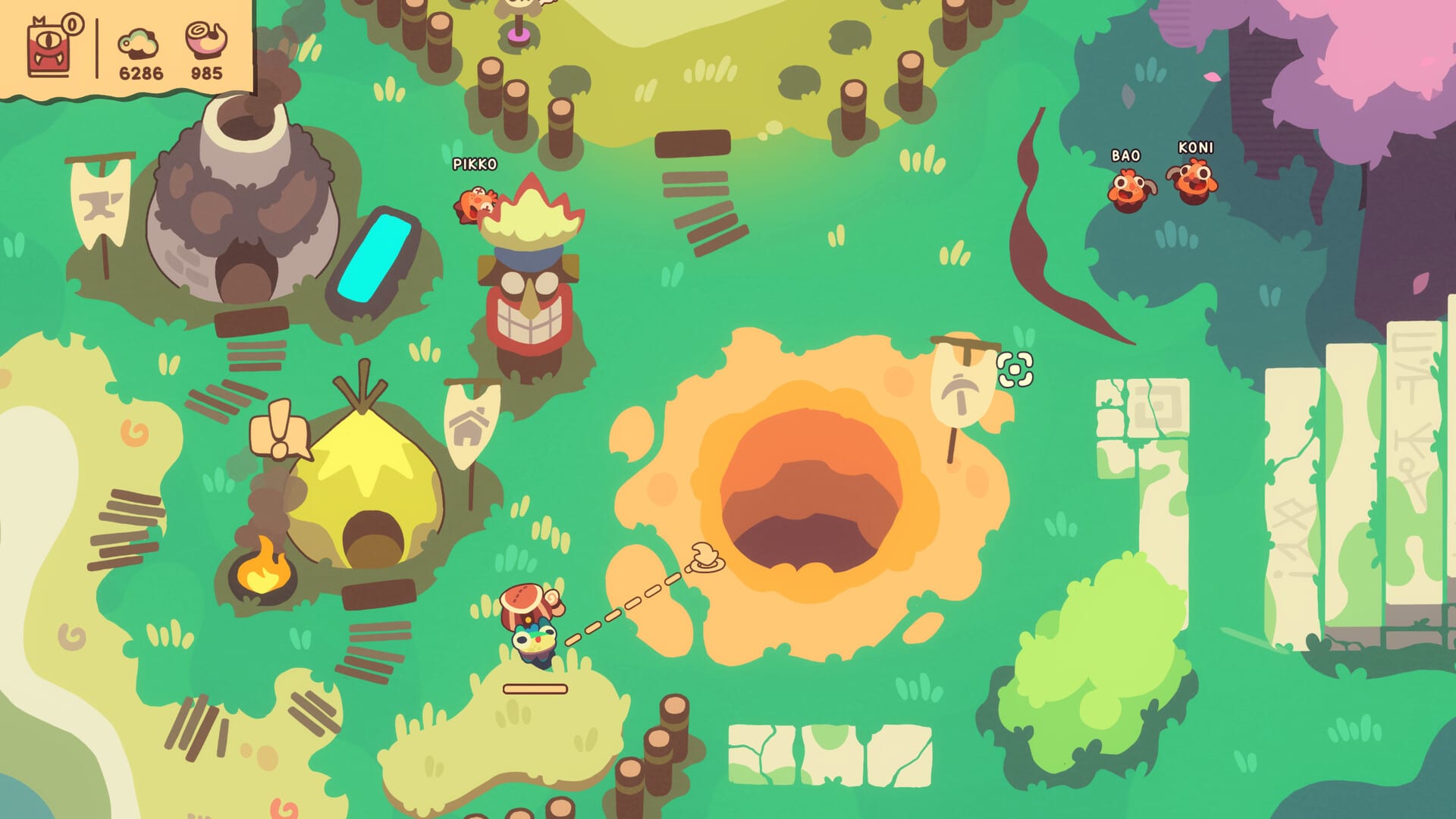
Hole Is Mine ships with full controller support, custom volume controls, camera comfort options, and a pace that fits handheld sessions. Whether Valve’s live Steam Deck badge currently reads Verified, Playable, or something else on your client, this page focuses on practical pad play for Shelly, Mini’Ohs, and bag throws.
Always re-check the Steam store Deck section for App 4508020—badges can change after patches. Pair this guide with Controls and System Requirements.
Why the game fits Deck play
- Single-player, save-anytime style comfort categories on Steam
- Full controller glyphs and pad-first Town prompts (Prologue already pushed Town control reminders)
- Session length of individual Incursions suits handheld bursts
- Cute 2D readability holds up on the Deck screen when UI scale is sane
Recommended Deck settings
- Use the default controller configuration first—Hole Is Mine expects it.
- Keep TDP moderate; the Vulkan path is light compared to AAA titles.
- Raise text / UI scale if grab targeting feels fuzzy in Mini’Oh piles.
- Bind a comfortable “wake / interact” reflex so sleeper care stays fast (Care guide).
- Lower haptics if long mining sessions buzz your hands numb.
Controls translation (pad mindset)
Keyboard WASD + left click becomes stick move + face-button / trigger grab-launch. Practice in Town before your first serious Incursion. Confirm shop close bindings—Prologue patch notes specifically made menu button close shops, not only right click.
Deck-specific failure modes
- Mis-grabs in stacks: slow down after explosions; wake idle bodies first.
- Accidental bag blasts: explosives are harder to angle on pad—use Eggsplosives Guide rules.
- Sleeping roster unnoticed: handheld brightness + busy screens hide naps—scan deliberately.
- Short battery anxiety: plan one Depth per charge slice using Depth Tracker.
Performance expectations
Official minimums are gentle (Vulkan 1.0, 4 GB RAM class targets). Deck hardware clears that bar for this style of game. If you hitch, close heavy overlays, verify Proton/Steam OS updates, and avoid exotic community layouts until the default works.
Build tips for handheld
Prefer Early Game Builds that reduce micro: mining carry + collection support beats hyper-precise throw juggle on a rocking train. Midgame, look at collector-friendly plans in Midgame Builds.
Cloud saves
Steam Cloud is listed for the title. Finish Incursions cleanly before Suspend, and avoid swapping Deck ↔ desktop mid-bag-throw if you can help it.
Related reading
Hole Is Mine on Deck is less about chasing 60 FPS bragging rights and more about keeping Mini’Ohs awake while you mine on the couch. Master the pad verbs once and the Hole travels with you.
Handheld Incursion etiquette
Treat each Deck session like a match, not an endless grind. Before you undock or pocket the device:
- Finish or abandon the Incursion cleanly—do not Suspend mid-bag-throw if you can avoid it.
- Wake sleepers so a resume does not begin with a half-dead roster.
- Note the Depth and build identity in the Depth Tracker so desktop and Deck sessions stay coherent.
If you alternate Deck and desktop, keep one sacred carry loadout so muscle memory transfers. The Build Planner exists for exactly that handoff.
Accessibility and comfort toggles
Steam lists camera comfort and custom volume controls among the game categories. On Deck, that means you can soften motion discomfort and keep UI audio cues audible without blasting music in public. Pair those toggles with the Controls page so Town shop close and wake verbs stay mapped to buttons you actually remember under fatigue.
Frequently Asked Questions
Quick answers about Hole Is Mine progression and builds.
Does Hole Is Mine support controllers?
Yes. Steam lists full controller support, including glyphs suitable for Deck play.
Is it Steam Deck Verified?
Check the live Steam store badge for App 4508020—ratings can change. This guide assumes pad play with the default layout.
What is the hardest part on Deck?
Precise grabs in Mini'Oh stacks and safe explosives near the bag. Slow those moments down.
Can I use Steam Cloud with Deck?
Steam Cloud is supported. Avoid suspending mid-Incursion when possible.